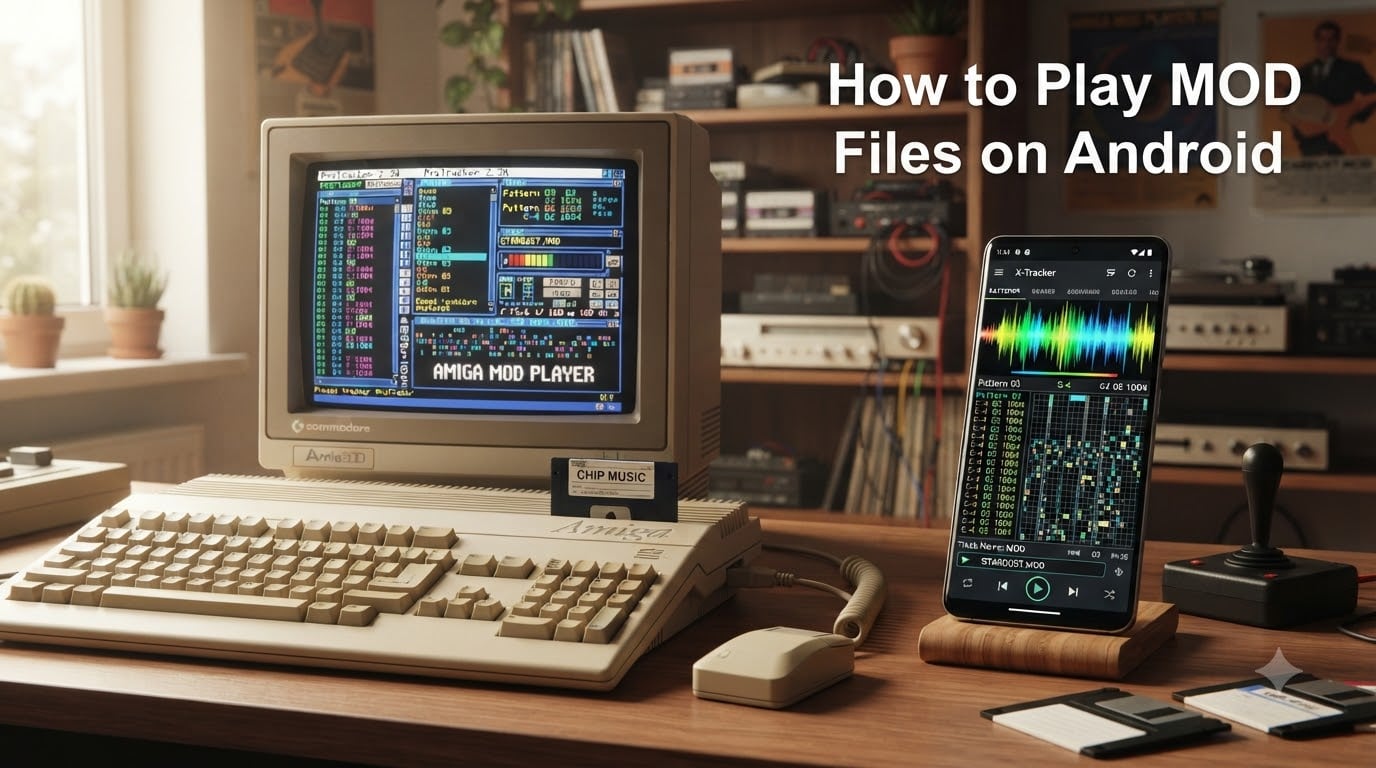
MOD files are a piece of computing and music history. Born on the Commodore Amiga in the late 1980s, these audio module files powered the demoscene, classic video game soundtracks, and an entire generation of tracker musicians. If you have a collection of MOD, XM, S3M, or IT files and want to enjoy them on your phone, you are in the right place.
I have spent years collecting tracker music and testing every Android app that claims to play it. The good news is that you can play MOD files on Android with the right tools, and the setup takes less than five minutes. The challenge is knowing which app to choose and how to get your files onto your device in the first place.
In this guide, I will walk you through exactly how to play MOD files on Android. I will cover what MOD files are, the best apps for the job, where to download legal MOD music, and how to fix common playback issues. Whether you are a retro gaming enthusiast, a chiptune fan, or just curious about tracker music, this guide has you covered.
IN THIS ENTRYTable of Contents
- 1What Is a MOD File?
- 2A Brief History of the MOD Format
- 3How to Play MOD Files on Android (Step-by-Step Guide)
- 4Step 1: Install a MOD Player App
- 5Step 2: Transfer MOD Files to Your Android Device
- 6Step 3: Open Files in Your MOD Player
- 7Step 4: Use Playback Controls
- 8Best Apps for Playing MOD Files on Android
- 9Xmp Mod Player
- 10VLC for Android
- 11MilkyTracker
- 12Understanding MOD Format Variations (XM, S3M, IT)
- 13XM (Extended Module)
- 14S3M (ScreamTracker 3 Module)
- 15IT (Impulse Tracker Module)
- 16Where to Find and Download MOD Files
- 17The Mod Archive
- 18ModLand
- 19Keygenmusic
- 20Troubleshooting Common MOD Playback Issues on Android
- 21App Will Not Open a MOD File
- 22No Sound During Playback
- 23Files Not Showing in the App
- 24Performance Issues and Stuttering
- 25MOD vs MIDI vs WAV: Understanding the Difference
- 26FAQs
- 27How to open mod files on Android?
- 28How to play .mod files?
- 29Can mods be played on mobile?
- 30What is the best MOD player for Android?
- 31Does VLC play MOD files on Android?
- 32How to install mod APK files on Android?
- 33Conclusion
What Is a MOD File?
A MOD file is a digital music module format that originated on the Commodore Amiga. Unlike standard audio files like MP3 or WAV that store a complete recording, a MOD file contains both audio samples and the sequencing instructions that tell a player how to play those samples. Think of it as a self-contained mini-orchestra bundled into a single file.
Each MOD file includes a set of short digital audio samples, typically instruments like drums, bass lines, and melodic sounds. It also includes pattern data, which is a grid of instructions specifying which sample to play, at what pitch, and at what time. This design allows complex compositions to exist in remarkably small file sizes.
A typical 4-minute MOD file might be only 100 to 500 kilobytes. That same song as a WAV file could be 40 megabytes. This efficiency is why MOD files were so popular on early computers and game consoles with limited memory.
A Brief History of the MOD Format
The MOD format began in 1987 when Karsten Obarski released Ultimate Soundtracker for the Amiga. His software let musicians create music by arranging audio samples in a pattern-based grid. The resulting files used the .mod extension and could be played back by the Amiga’s custom sound hardware.
As the demoscene exploded across Europe in the late 1980s and early 1990s, MOD files became the standard format for background music in demos, cracktros, and games. Composers pushed the format to its limits, creating intricate tracks using just four channels of audio.
When PCs overtook the Amiga in the mid-1990s, new tracker software appeared with improved formats. FastTracker II introduced the XM format with more channels and better sound quality. ScreamTracker 3 created S3M files, and Impulse Tracker developed the IT format. All of these are considered module files and can be played by modern Android MOD players.
How to Play MOD Files on Android (Step-by-Step Guide)
Playing MOD files on Android is straightforward once you have the right app installed. Here is the exact process I use to get tracker music running on any Android phone or tablet.
Step 1: Install a MOD Player App
Open the Google Play Store and search for a MOD file player. I recommend Xmp Mod Player as the best option for most users. It is open source, supports over 90 module formats, and is completely free with no ads. Search for “Xmp Mod Player” or visit F-Droid to download it if you prefer open-source repositories.
If you already have VLC for Android installed, you can use that too. VLC has basic MOD playback support, though it lacks some features that dedicated module players offer, such as sample previews and pattern visualization.
Step 2: Transfer MOD Files to Your Android Device
You need to get your MOD, XM, S3M, or IT files onto your phone. The simplest method is connecting your phone to a computer via USB cable. Select “File Transfer” mode on your phone, then copy your MOD files into a folder on your device. I recommend creating a dedicated folder called “MOD Music” in your internal storage to keep things organized.
You can also download MOD files directly on your phone using a web browser. Visit sites like The Mod Archive or ModLand, download the files, and they will appear in your Downloads folder. Cloud storage apps like Google Drive or Dropbox work well too if your collection is stored online.
Step 3: Open Files in Your MOD Player
Launch your MOD player app. In Xmp Mod Player, you will see a file browser that lets you navigate your phone’s storage. Find the folder where you saved your MOD files and tap any file to start playback. The app scans for module files automatically, so your entire collection will appear if it is in a searchable location.
If you prefer, you can also use a file manager app like Solid Explorer or Files by Google. Navigate to your MOD files, tap one, and select your MOD player from the “Open with” menu. This is handy if you keep your music in multiple folders.
Step 4: Use Playback Controls
Once a file is playing, you can use the on-screen controls to pause, skip tracks, and adjust volume. Xmp Mod Player displays the module name, composer, and pattern information. You can also create playlists by long-pressing files and adding them to a queue.
One feature I love in Xmp Mod Player is the ability to see the pattern data as it plays. This shows you the note grid in real time, which is fascinating if you have any interest in how tracker music is constructed.
Best Apps for Playing MOD Files on Android
Not all music players can handle module files. Here are the best options I have tested for Android, based on format support, ease of use, and reliability.
Xmp Mod Player
Xmp Mod Player is the gold standard for MOD playback on Android. Based on the libxmp library, it supports over 90 module formats including MOD, XM, S3M, IT, MTM, STM, and many obscure formats from the 1990s. The app is open source, free, and available on both Google Play and F-Droid.
Features include a built-in file browser, playlist support, sample previews, and pattern visualization. The app also ships with demo MOD files so you can test playback immediately without needing your own collection. I consider this the first app anyone should install for tracker music on Android.
VLC for Android
VLC is the Swiss army knife of media playback. It supports MOD files along with almost every other audio and video format you can think of. If you already use VLC, it will play your MOD files without any extra setup.
The downside is that VLC treats MOD files like any other audio track. You will not get pattern visualization, sample previews, or detailed module information. For casual listening, VLC works fine. For a richer tracker music experience, use Xmp Mod Player.
MilkyTracker
MilkyTracker is a full-featured tracker application that runs on Android. It is designed for creating and editing MOD files, not just playing them. If you want to compose your own module music on a phone or tablet, this is the app to use.
MilkyTracker does support playback of existing MOD and XM files, but the interface is geared toward music production rather than casual listening. I recommend it for musicians and anyone interested in creating tracker music, but Xmp Mod Player is better for pure playback.
Understanding MOD Format Variations (XM, S3M, IT)
The term “MOD file” is often used loosely to describe all module formats. The original MOD format had strict limitations, so newer formats were developed to overcome them. Understanding the differences helps you choose the right player and manage your collection.
XM (Extended Module)
XM was introduced by FastTracker II in 1994. It supports up to 32 channels (compared to MOD’s 4) and allows samples to have different volume levels for each note. XM files sound richer and more complex than classic MOD files. Xmp Mod Player handles XM files without issue.
S3M (ScreamTracker 3 Module)
S3M was created for ScreamTracker 3, a popular DOS tracker. It supports 16 channels and introduced features like default volume and stereo panning. Many classic PC game soundtracks from the 1990s use S3M format, including titles from Epic Megagames and Apogee.
IT (Impulse Tracker Module)
IT is the most advanced of the classic module formats, introduced by Impulse Tracker in 1995. It supports software synthesis, resonant filters, and an unlimited number of notes per channel. IT files produce the highest quality sound among classic module formats. Xmp Mod Player fully supports all three of these formats.
Where to Find and Download MOD Files
Finding legal MOD files is easier than you might think. The tracker music community has spent decades building extensive online archives. Here are the best sources I use regularly.
The Mod Archive
The Mod Archive at modarchive.org is the largest collection of module music online. It hosts hundreds of thousands of MOD, XM, S3M, and IT files uploaded by composers from around the world. You can browse by genre, search by artist, or download curated packs. All files are free and legal to download.
ModLand
ModLand at exotica.org.uk is another massive archive covering all module formats. It includes ripped game soundtracks, demoscene music, and original compositions. The collection is particularly strong in Amiga and Commodore 64 music.
Keygenmusic
Keygenmusic.net hosts music from key generators and cracktros, which are almost exclusively in module formats. These tracks represent some of the most technically impressive tracker music ever created. The site organizes files by release group, making it easy to explore different composers and styles.
Troubleshooting Common MOD Playback Issues on Android
Even with the right app installed, you might run into issues. Here are the most common problems I have encountered and how to fix them.
App Will Not Open a MOD File
If your MOD player crashes or refuses to open a file, the file may be corrupted or in a format the app does not support. Try opening the file in VLC as a test. If VLC also fails, the file itself is likely damaged. Re-download it from the source archive.
Some files use obscure or proprietary formats that even Xmp Mod Player cannot handle. Check the file extension and compare it against the list of supported formats in your app’s documentation.
No Sound During Playback
If the app appears to be playing but you hear nothing, check your device volume first. Then verify that the file is not muted within the module itself. Some older MOD files were designed for specific hardware and may play at very low volume on modern devices. Try a different file to confirm your player is working.
Files Not Showing in the App
If your MOD files do not appear in Xmp Mod Player’s browser, the app may not have storage permissions. Go to Settings, then Apps, find your MOD player, and grant it storage access. Also make sure your files are in a location the app can scan, such as internal storage or an accessible SD card.
Some file managers hide files with unfamiliar extensions. If you cannot find your MOD files using the system file picker, try a third-party file manager like Solid Explorer that shows all file types.
Performance Issues and Stuttering
Module playback is computationally light, so stuttering is rare on modern phones. If you experience audio dropouts, close other resource-heavy apps running in the background. Updating to the latest version of your MOD player can also resolve performance bugs.
MOD vs MIDI vs WAV: Understanding the Difference
People often confuse MOD, MIDI, and WAV files because all three involve digital music. Understanding the difference helps you appreciate why MOD files need special players.
WAV files contain raw, recorded audio data. They are large and sound exactly the same on every device. Think of WAV as a photograph of a sound.
MIDI files contain no audio at all. They are just instructions that tell a synthesizer what notes to play. MIDI files are tiny, but the sound depends entirely on the synthesizer playing them. The same MIDI file sounds different on every device.
MOD files are a hybrid. They contain both the audio samples and the instructions for playing them. This means a MOD file sounds the same on every device, but stays small because it reuses a limited set of samples. MOD files are essentially portable compositions with their instruments included.
This is why MOD files need a dedicated module player rather than a standard music app. The player must read the samples and the sequencing instructions, then generate audio in real time.
FAQs
How to open mod files on Android?
To open MOD files on Android, install Xmp Mod Player from the Google Play Store or F-Droid. Transfer your MOD files to your phone’s storage, then open the app and browse to the files. Tap any file to start playback immediately.
How to play .mod files?
You can play .mod files using a module player like Xmp Mod Player on Android, VLC on any platform, or dedicated tracker software like OpenMPT on desktop. The player reads the audio samples and sequencing data in the file and generates sound in real time.
Can mods be played on mobile?
Yes, MOD files can be played on mobile devices. Android users can install Xmp Mod Player or VLC for Android to play MOD, XM, S3M, and IT files. Both apps are free and support dozens of module formats.
What is the best MOD player for Android?
Xmp Mod Player is the best MOD player for Android. It supports over 90 module formats, is open source, free, and includes features like playlists, sample previews, and pattern visualization. VLC for Android is a good alternative for basic playback.
Does VLC play MOD files on Android?
Yes, VLC for Android can play MOD files along with XM, S3M, and IT formats. VLC handles basic playback well but does not offer tracker-specific features like pattern visualization or sample previews that dedicated module players provide.
How to install mod APK files on Android?
This question usually refers to modified APK apps, not MOD audio files. To install APK files, enable unknown sources in Android settings and open the APK file. This is unrelated to playing MOD music files, which are handled by audio player apps like Xmp Mod Player.
Conclusion
Playing MOD files on Android is simple once you know which app to use. Xmp Mod Player handles virtually every module format, is free, and delivers the best tracker music experience on mobile. VLC works in a pinch for basic playback.
Now that you know how to play MOD files on Android, grab some tracks from The Mod Archive or keygenmusic, load them onto your phone, and start exploring decades of demoscene and chiptune history. The tracker music community created some of the most technically impressive audio of the computing era, and all of it is free to enjoy on your device today.